Reviewing ACH Notices & Returns
Easily retrieve the Notice of Change or Returns of your Originated ACH items to make necessary changes to account information.
Step 1:
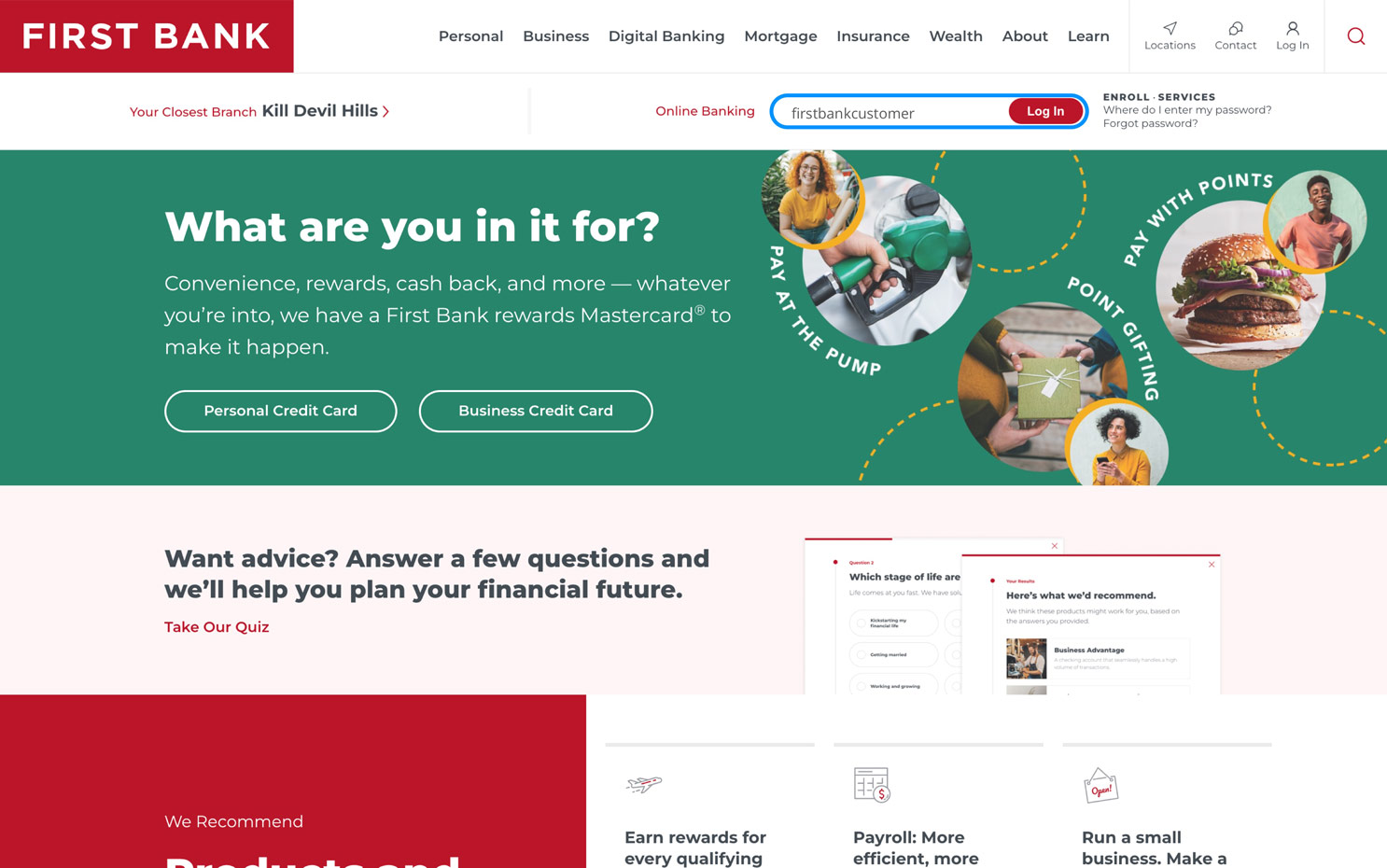
Log in to online banking.
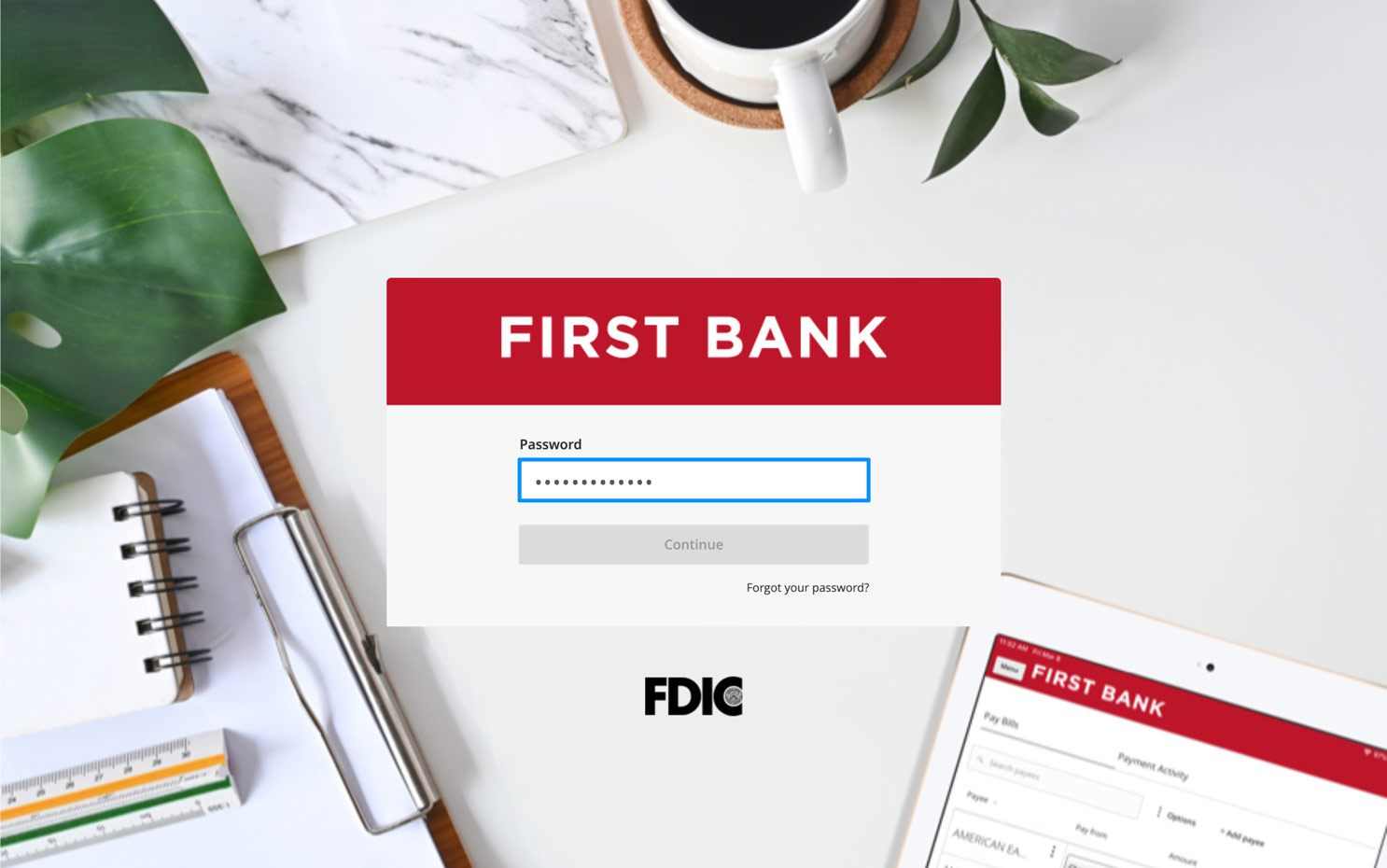
When you enrolled in First Bank digital banking, you created a Login ID and Password. Enter that information in the corresponding screens and then click the “Log In” button. Next, you will be asked to enter your password, then click “Continue.”
Step 2:
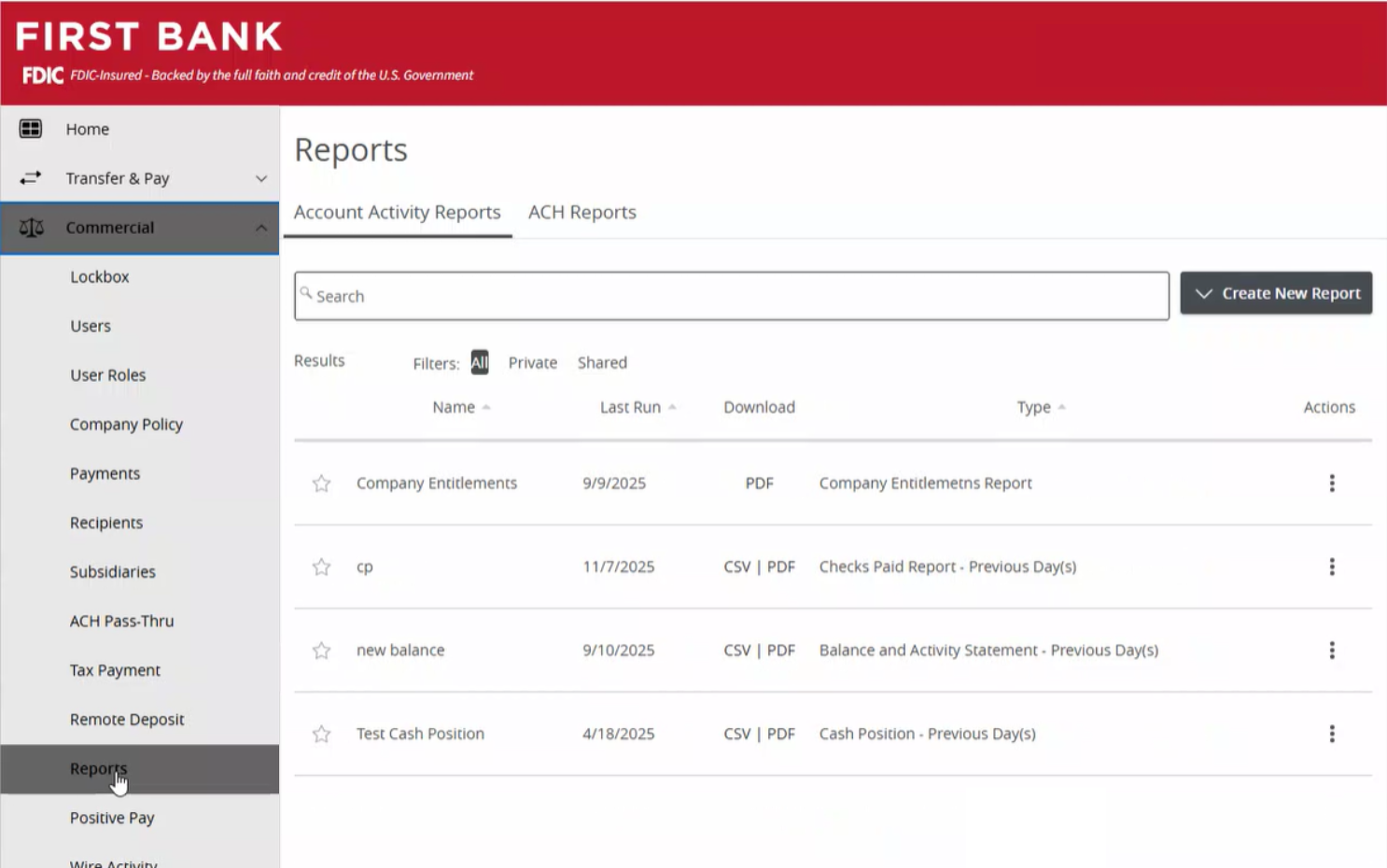
Navigate to Reports.
From the menu on the left, select “Commercial,” click on “Reports” from the dropdown.
Step 3:
Select the ACH Reports tab.
Select the “ACH Reports” tab.

Step 4:
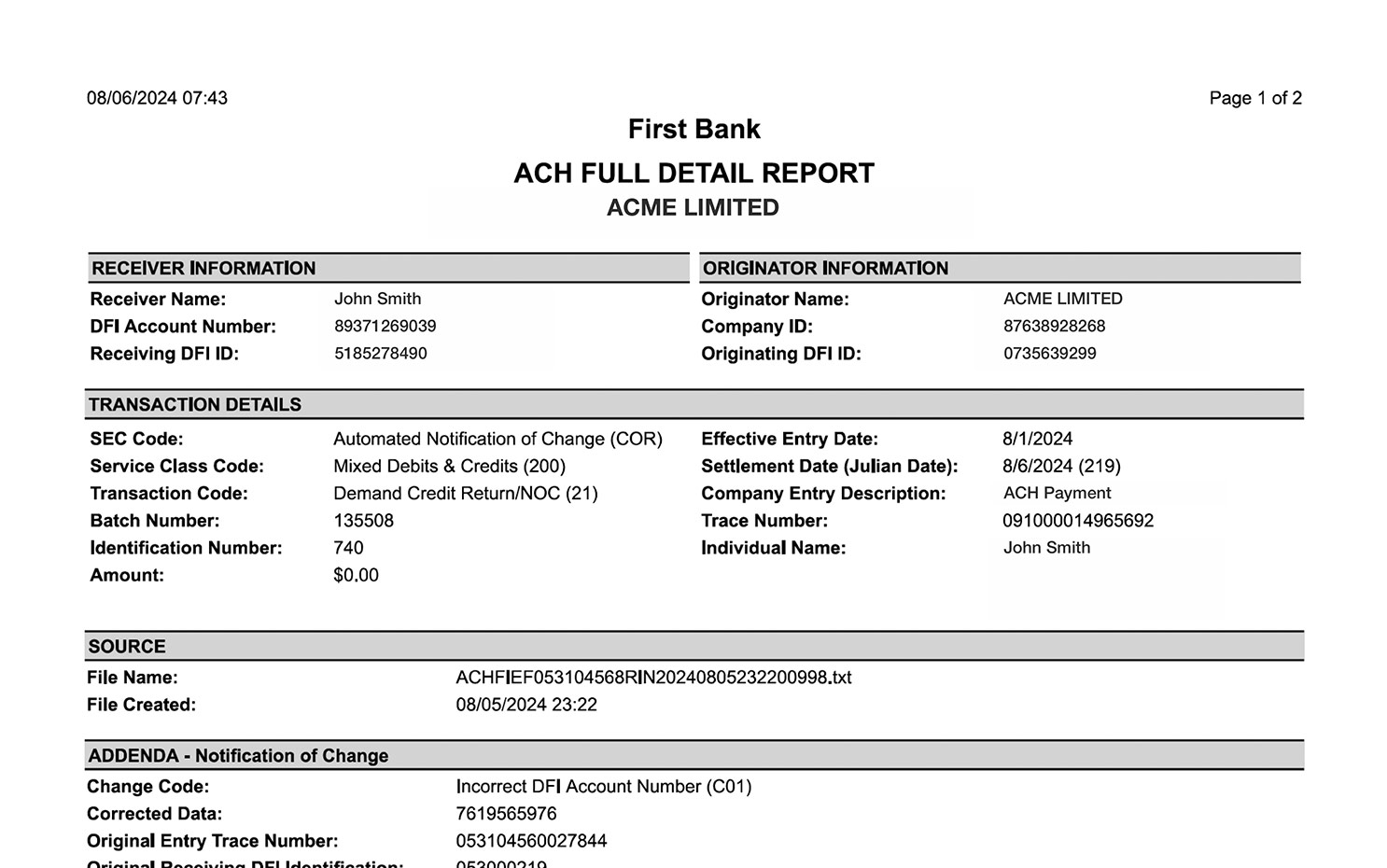
View Notice of Change.
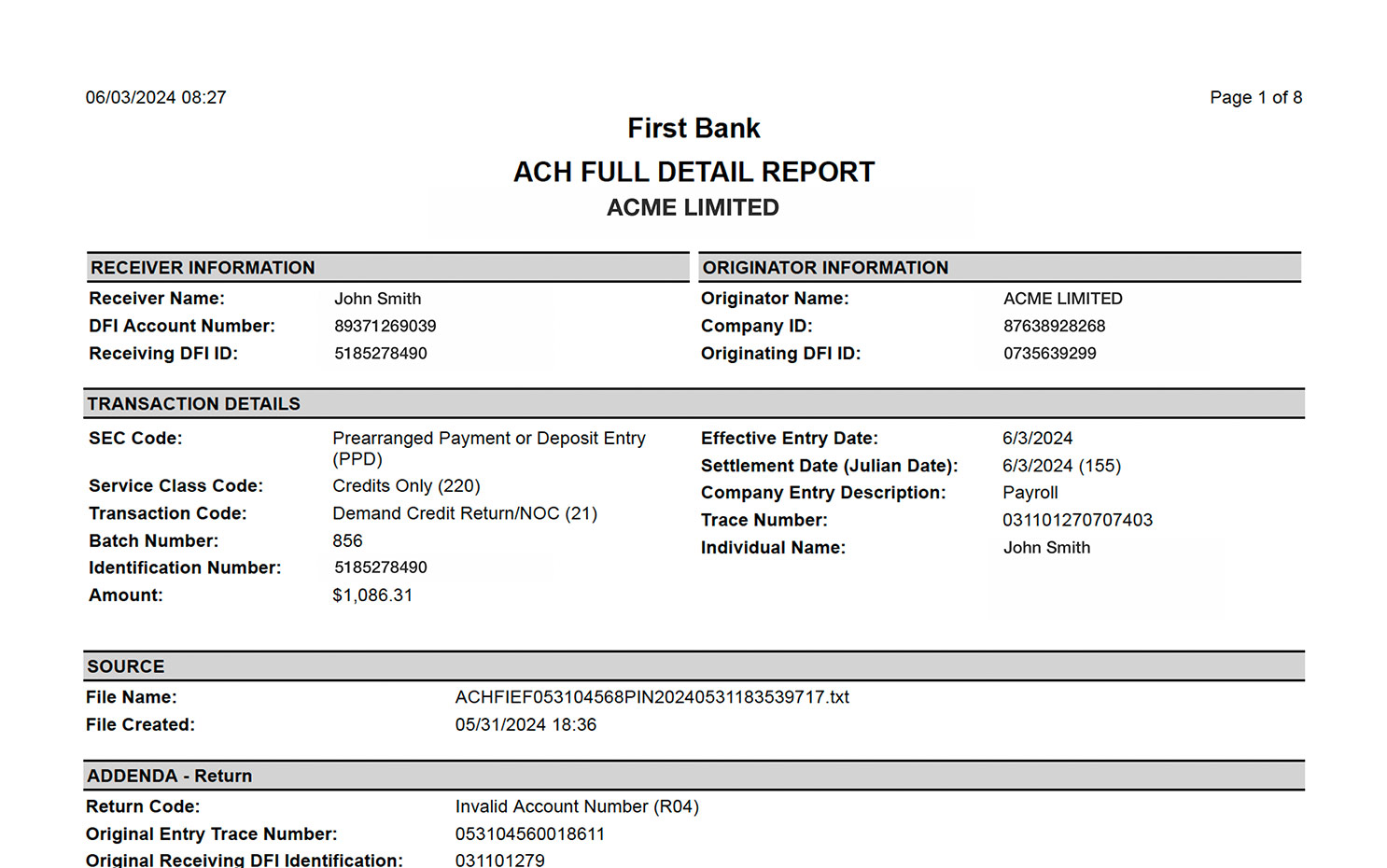
Open the PDF file to review the ACH notice details.
At the bottom, the section labeled “ADDENDA” will show you the reason the item was returned, such as incorrect account or routing numbers.
You can update this information in Recipient Management so the transaction can be processed using the step-by-step instructions here.
(Note these must be corrected or removed within six Business days.)
Step 5:
View ACH Return Notice.
Open the PDF file to review the ACH notice details.
At the bottom, the section labeled “ADDENDA” will show you the reason the item was returned, such as insufficient funds. You will need to contact the account owner to discuss how you want to handle the situation in order for the transaction to be processed.
You can see a list of common codes and their meanings here.
Codes and Description for ACH Returns and NOCs
| Return Code | Return Description |
|---|---|
R01 |
Insufficient Funds |
R02 |
Account Closed |
R03 |
No Account/ Unable to Locate Account |
R04 |
Invalid Account Number Structure |
R05 |
Unauthorized Debit to Consumer Account Using Corporate SEC Code |
R07 |
Authorization Revoked by Customer |
R08 |
Payment Stopped |
R09 |
Uncollected Funds |
R10 |
Customer Advises Originator is Not Known to Receiver and/or Originator is Not Authorized by Receiver to Debit Receiver’s Account |
R11 |
Customer Advises Entry Not in Accordance with the Terms of the Authorization |
R12 |
Account Sold to Another DFI |
R13 |
Invalid ACH Routing Number |
R14 |
Representative Payee Deceased or Unable to Continue in That Capacity |
R15 |
Beneficiary or Account Holder (Other Than a Representative Payee) Deceased |
R16 |
Account Frozen/Entry Returned Per OFAC Instruction |
R17 |
Questionable or Potentially fraudulent entries |
R20 |
Non-Transaction Account |
R23 |
Credit Entry Refused by Receiver |
R29 |
Corporate Customer Advises Not Authorized |
| NOC Code | NOC Description |
|---|---|
C01 |
Incorrect Account Number |
C02 |
Incorrect Routing Number |
C03 |
Incorrect Account Number and Routing Number |
C05 |
Incorrect Transaction Code |
C06 |
Incorrect Account Number and Transaction Code |
C07 |
Incorrect Routing Number, Account Number and Transaction Code |
C13 |
Addenda Format Error |
Have questions or unsure where to start?
Contact your Treasury Services rep, or one of our support teams below, for help or to schedule personalized demos.