Back
Scroll to top

Fraud Resource Center

Safety starts with smarts. We’re here to help you protect your accounts from fraud.

Background image with First Bank squares branding.

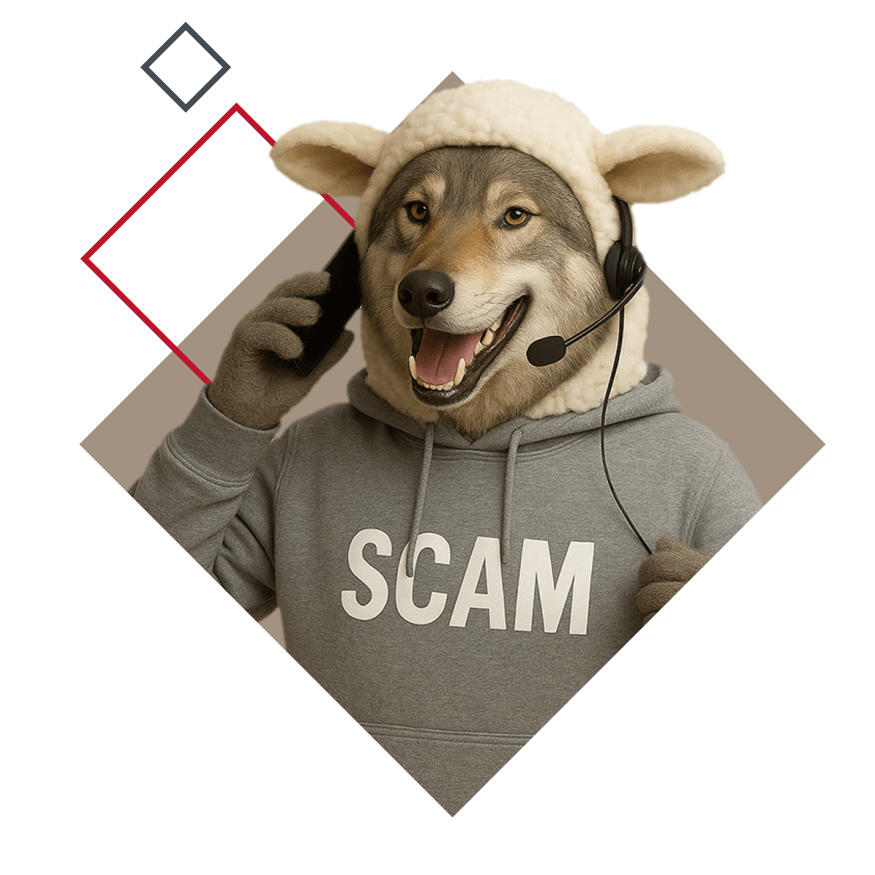
Don’t fall for a wolf in sheep’s clothing!

Use these helpful resources to keep your money and your data safe.
Download our Fraud Spotter Checklist!

Fraud is everywhere, but we’re here to help you stay safe. Our Fraud Spotter Checklist is the perfect tool for helping you spot a scam.

Get your checklist

Red flags aren’t always obvious

Know how to spot signs of fraud so you can stop scammers in their tracks.
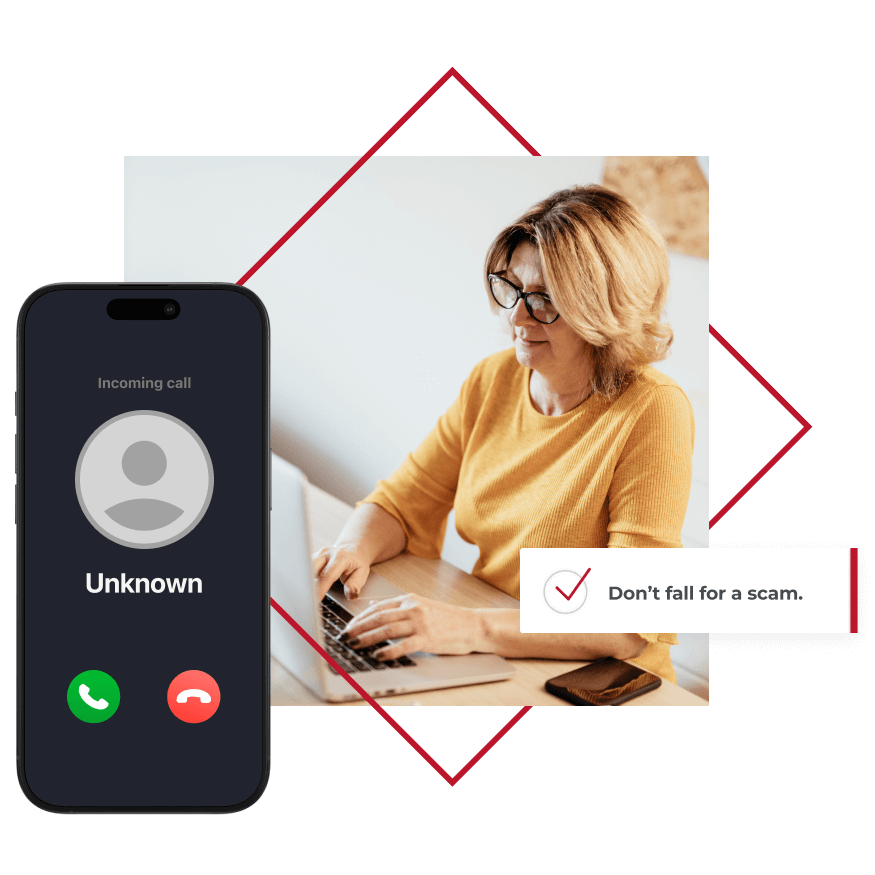
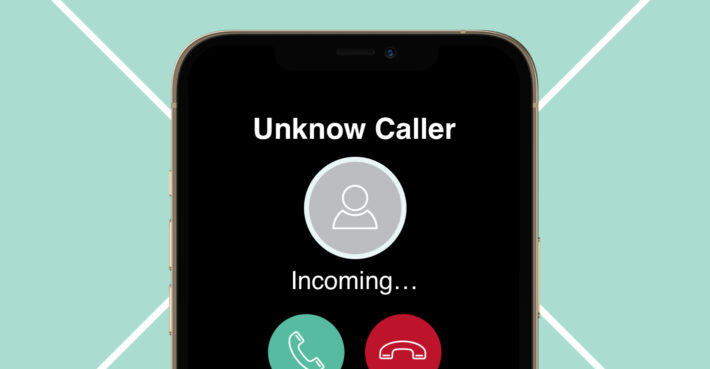
A phone with an unknown call and a woman typing on a laptop

Knowledge is your best fraud defense.

Use these resources to learn how to spot a scam.

Follow these simple fraud-fighting tips:

Rule 1
A First Bank employee will never call, email, or text you to ask for your password, PIN, one-time passcode, or secure access code.
Rule 2
Resist pressure to act immediately. Scammers create a false sense of urgency to keep you from thinking things through.
Rule 3
Caller ID can easily be faked to make it look like a phone call is coming from a legitimate source.
Rule 4
Think you fell for a fraud attempt? Call your First Bank branch. We’ll walk you through what to do next.
Do you know the answers to these critical questions?
Scammers often gather personal details from public records, data breaches, or social media. Just because a caller knows your name or your bank details, that doesn’t make them legitimate — they may only need one more piece of sensitive information to lock you out of your account.
Not always. Instead of clicking a link, go directly to the company’s website or app. And if you do click a link, always double check the details — make sure the sender’s email address and the destination URL don’t contain misspellings and that they line up with the organization you think the email is from.
That “urgency” is meant to stop you from thinking clearly. When we feel pressured or like there’s an emergency, our emotions can hijack our logical thinking. Legitimate businesses will never have a problem with you hanging up and calling back later — if the caller tries to force you to stay on the line, it’s likely a scam.
Yes. If a friend, coworker, or vendor’s account is compromised, scammers may use their information to impersonate them. Always verify unexpected requests, even from familiar names, by reaching out to the person at a number you trust.
They can be. Scammers often ask for payment through an app, a wire transfers, or in cryptocurrency — those types of transactions are harder to stop or reverse. If someone insists on using one of these methods, it’s a serious red flag.
Fake invoices and unexpected changes in payment method or in payroll are common signs of fraud. Scammers may pose as vendors and ask you to update your account details or claim that you have an overdue invoice. Always confirm changes with a trusted contact.
The safest thing to do is always to stop what you’re doing and step away. Hang up the phone, close the email, don’t respond to the text message. Call your bank or stop by a local branch. A quick check can stop a major problem before it starts.

Safety starts with smarts

Dive into our expansive library of educational resources!

Image for tile. 3 Steps to Creating a Strong and Unique Password In today’s world, passwords have become an important part of our daily lives. We use them for everything from social media accounts to digital banking, and endless apps in between. Although it is easy to choose the same short and memorable passphrase for everything, it can leave you wide open for risk if one of those platforms is compromised. Step One: Change It Up The first step to protecting yourself from data breaches is defining secure phrases for your different accounts in order to alleviate risk. The consider the following tips to remember when selecting a password: Make sure your password is at least 12 characters Include upper-case and lower-case letters throughout Avoid keyboard paths like 45678 or asdfg Add punctuation marks within the password not just at the end Step Two: Make it Meaningful While there is strength in a lengthy password, trying to remember an array of random letters, symbols, and numbers such as YP&3U6?@DM2$ may be difficult; therefore, it is beneficial to use phrases meaningful to you, but ambiguous to others. Instead of using easily predictable passwords containing information shared online such as birthdays, anniversaries, or family names, try relating it to your favorite hobby, food, or movie in order to better protect yourself. For example, creating a password that combines your favorite movie and the last 4 digits of your best friend’s phone number like PreTTyWoM@N2849! ensures that cybercriminals cannot effortlessly hack your account. Here is a chart designed to help you better understand how easily a cybercriminal can guess your password and the time it would take for you to be hacked. Step Three: Keep It Secret, Keep It Safe The more complex your passwords, the easier it is to forget a character and get locked out. So, what’s the best solution to keep everything straight and safe? Online: Storing passphrases on your phone or computer or sending them through email or text often seems like a convenient hassle-free solution, but it creates the opportunity for hackers to obtain private information. Offline: Writing down your passwords can be the safest way to store your information, but it is still crucial to not record them word for word. Sadly, fraud often times comes from internal sources 4 min read
Cropped shot of a businesswoman sitting alone and typing on her laptop during the day at home Learn the Cybercrime Warning Signs The number of cybercrimes continues to increase day by day. This can sometimes make it hard for you to completely protect yourself from these threats. But the more you know about these scams, the better chance you’ll have at identifying and avoiding them. What is a cybercrime? Cybercriminals aim to exploit your information for their own personal gain, causing harm to financial stability and exposing secure information. Cybercrimes are those criminal activities where a computer or the internet is used as a tool for fraudulent claims, to gain personal or business information, or to infect networks and devices. *First Bank will always take the appropriate measures to keep your personal information safe. In this article, we have outlined some common cyber scams, so that you can understand what to look out for. Some common scams/fraud includes: Phishing Email Scams Perhaps the most common type of scam is phishing, usually done via email and designed to look like they are coming from someone at your company, someone you know, or a notable figure. Because these emails look like they can come from anyone, it is easy to be caught in this form of scam. It may be hard to fully protect yourself from them, but it is always best to double check who is requesting your information. Payroll Scams In Protecting Against Fraud from Nacha, a payroll scam is when, “fraudsters target individual employees by directing the employees to update or confirm their payroll information via a fake payroll platform that spoofs their employer’s actual payroll platform. In some cases, the fraudster may claim the employee must do one of these: view a confidential email from human resources or the payroll department, view changes to the employee’s account, or confirm that the account should not be deleted.” Cybercriminals will use the stolen credentials to change payment information within the business’s payment platform. This type of scam can be extremely dangerous to an individual and a company because it exposes both user and business information. Romance Scams According to fbi.gov, romance scams, or online dating scams, “occur when a criminal adopts a fake online identity to gain a victim’s affection and trust. The scammer then uses the illusion of a romantic or 7 min read
Image for tile. Learn How to Be A Phishing Attack Detective With a number of people relying heavily on online services and communication for work and personal life, cybercriminals have increased their volume of attempts to acquire personal information. One of the most common ways they may try to gain access to this secure information is through phishing attacks. This causes problems for both individuals and companies when they are trying to keep information safe. What is phishing? As described by phishing.org, “Phishing is a cybercrime in which a target or targets are contacted by email, telephone or text message by someone posing as a legitimate institution to lure individuals into providing sensitive data such as personally identifiable information, banking and credit card details, and passwords. The information is then used to access important accounts and can result in identity theft and financial loss.” These attempts may look like someone posing as a coworker, asking for input, including links or attachments, among other things. Scammers attempt to gain access to user information every day, but when you know what to look for you don’t have to become a victim. Take a look at our playlist for a few tips to help you become a phishing email detective and use them in your everyday life. It is always a good idea to double check information before opening anything from unknown senders. In episode 1, you see Gil Ubble attempting to open an email from an external source. Upon further investigation, the domain name does not match and the email is not from someone at the company. Often times people are caught in these attacks because they aren’t paying close enough attention to who the email came from. If the email in question looks similar to something that provider would send, do not click on links or attachments. Instead, go directly to that company site or give them a call to make sure the information is accurate. If the email comes from someone who seems to work at your company, but you do not know the person, check to see if they actually work there. Even if the person’s email shows that they work at your company, check the email for other signs of false information. Scammers may go to extra lengths to spoof email addresses 4 min read

We’re here when you need us

First Bank logo
Privacy Overview

This website uses cookies so that we can provide you with the best user experience possible. Cookie information is stored in your browser and performs functions such as recognizing you when you return to our website and helping our team to understand which sections of the website are the most popular and useful.