Back
Scroll to top

MyMoney Trends Demo

Learn how to view your spending trends in MyMoney.

Step 1:
Open the mobile app and log in.

When you enrolled in First Bank digital banking, you created a Username and Password. Enter that information in the corresponding boxes and then tap the “Log In” button.

First Bank online banking screen showing the initial login screen.

Step 2:
Navigate to Trends.

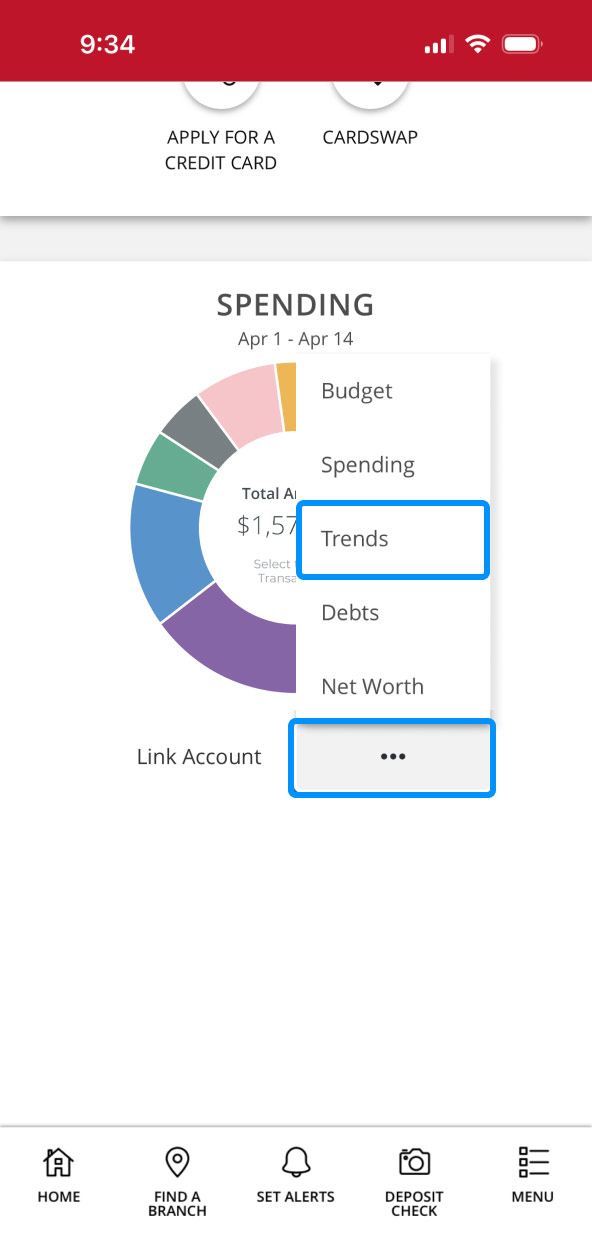
Scroll down to the Spending section, tap on the three dots, then tap “Trends.”
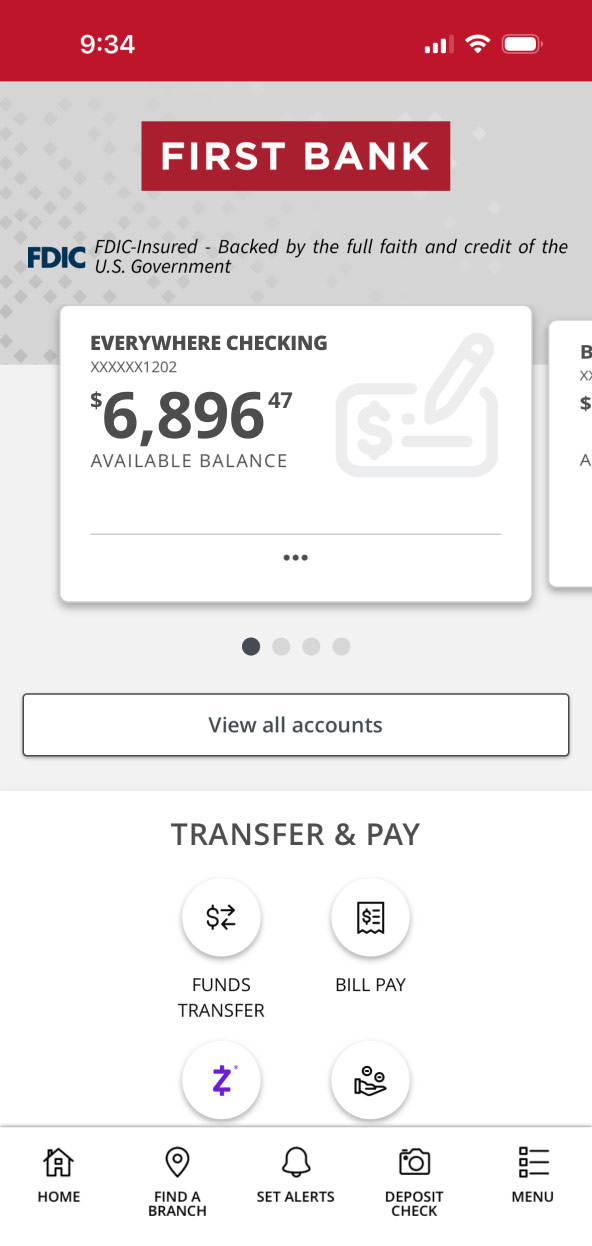
First Bank online banking screen showing the dashboard. First Bank online banking screen showing Spending Chart and highlighting click areas.

Step 3:
View Trends.

See your spending trends from within various linked accounts and categorized transactions.
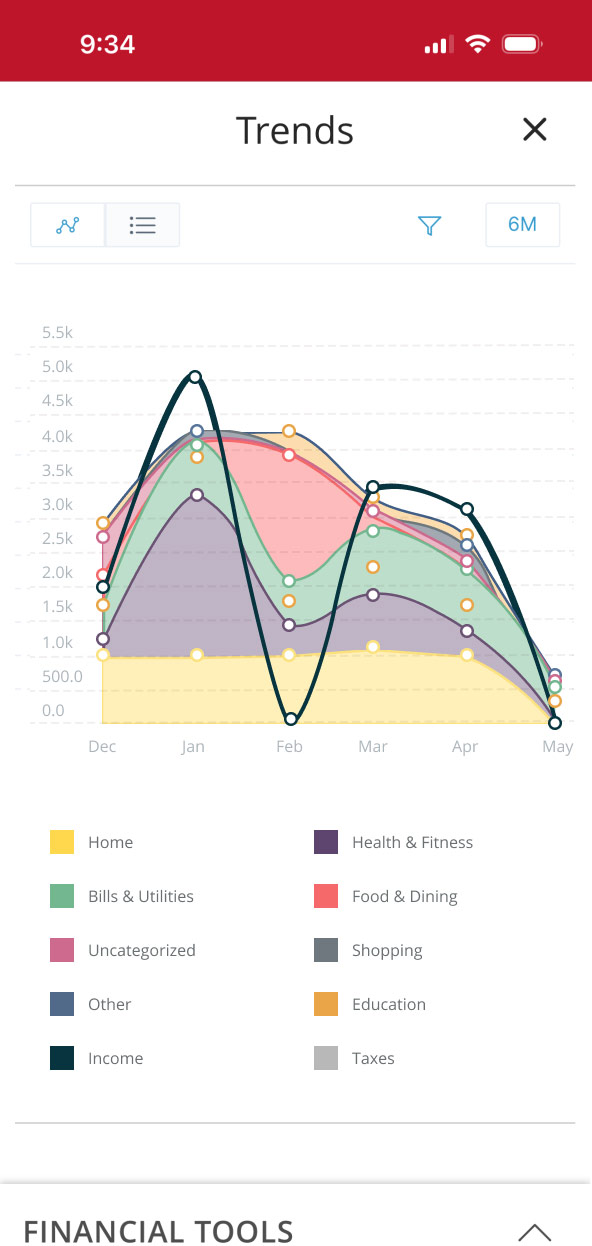
First Bank Online Banking screen showing a chart of different trends.

First Bank logo
Privacy Overview

This website uses cookies so that we can provide you with the best user experience possible. Cookie information is stored in your browser and performs functions such as recognizing you when you return to our website and helping our team to understand which sections of the website are the most popular and useful.